
AI Photo Enhancement
Refine sharpness, color, lighting, and overall photo quality.
Bring a clearer look to your favorite images.

 Before
After
Before
After
Explore ways to improve photo clarity, sharpen images, adjust color, recover visible details, and prepare pictures for sharing or upscaling.
Refine sharpness, color, lighting, and overall photo quality.

Prepare a larger image while keeping important details clear.

Bring out lighting, color, and sharpness in an image.

Explore ways to recover faded and damaged memories.
Find tools for improving photographs, preparing larger images, revisiting old pictures, and working with video. Choose the task that fits your picture.

Explore improvements to detail, lighting, color, and overall photo clarity.
Enhance Photo

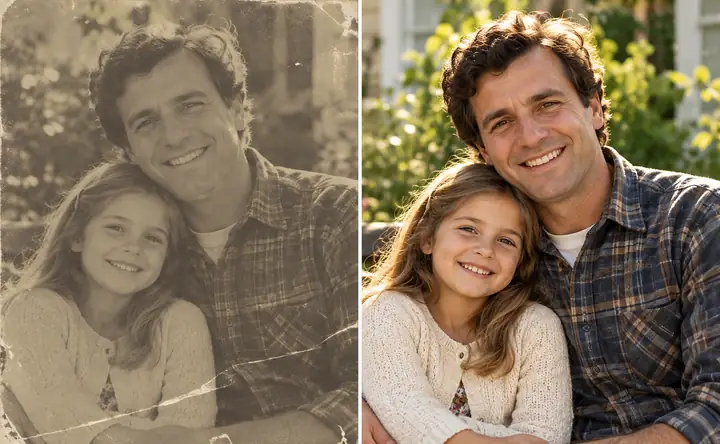
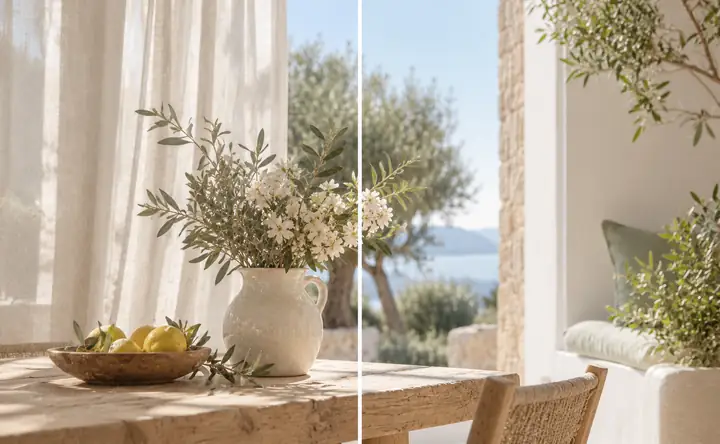
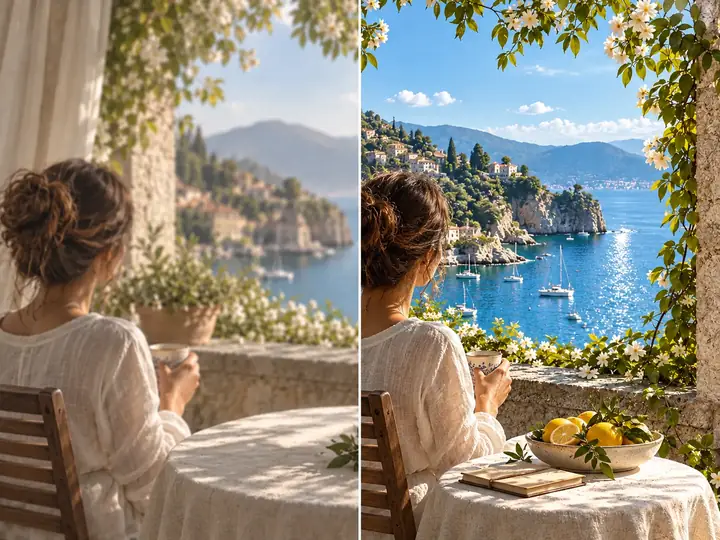
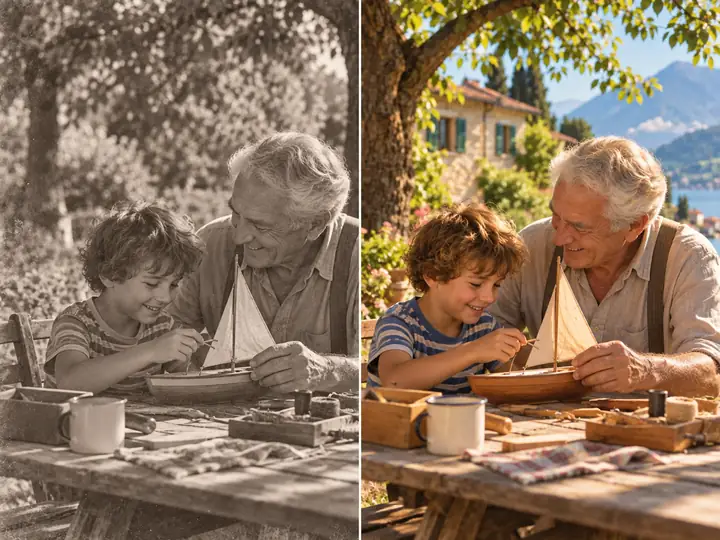
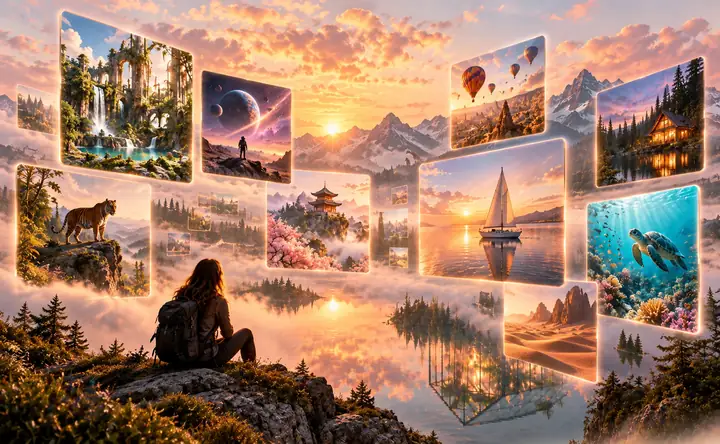
Choose an image, describe the result you want, and continue to the editing experience. A straightforward route from the original picture to your next version.
Bring a portrait, product picture, screenshot, older photo, or another image you would like to revisit.
Tell the tool what matters most: clarity, lighting, color, texture, or a larger-looking result.
Save your starting photo so you can compare it with any edits you choose to make.
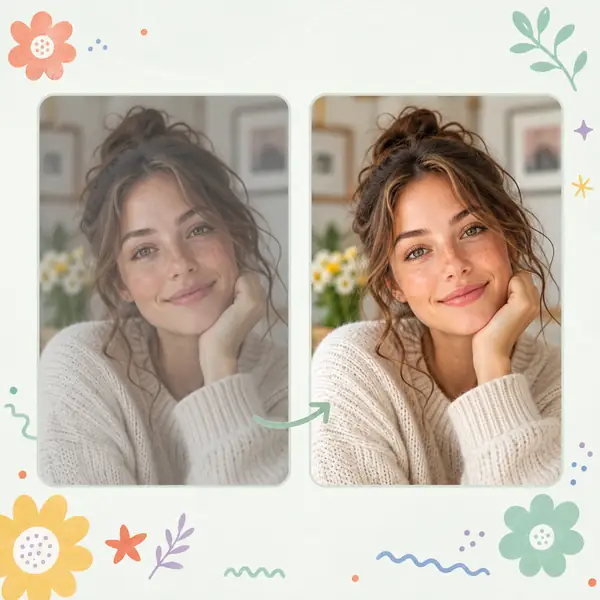
Look at blur, lighting, contrast, and the details you would like to bring forward.
A specific description helps communicate the effect you are looking for.
Check important faces, text, edges, and textures when assessing a change.
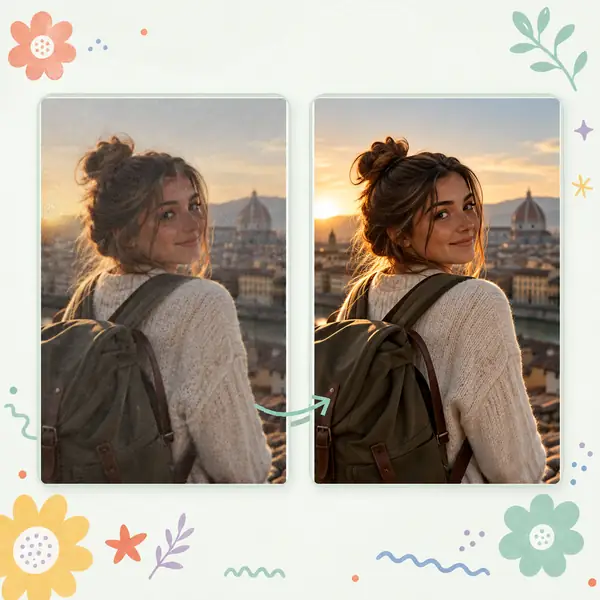
Inspect the enhanced image at the size where you intend to use it.
A before-and-after view makes changes to clarity and color easier to judge.
Keep the version that best suits your picture and your purpose.
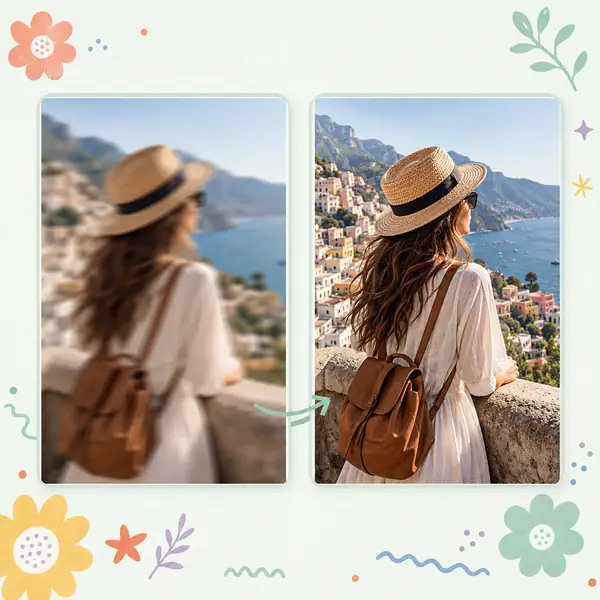

Explore photo and video tools for clearer images, larger pictures, older memories, and creative edits. Start with the change your image needs most.
Explore clearer lighting, color, and overall photo detail.
Prepare images for a larger view while considering edges and textures.
See how a soft or out-of-focus photo could look with clearer detail.
Explore clarity adjustments for moving images.
Old Photo Restoration
Revisit faded or damaged photographs.
Watermark Remover
Explore cleanup for images you have the right to edit.
Object Remover
Consider a simpler composition without distractions.
AI Photo Editor
Explore creative photo adjustments.
Photo Colorizer
Consider color for an older monochrome image.
AI Image Generator
Describe the image you have in mind.
Explore practical ideas for clearer pictures, restored memories, and images prepared for a larger view.
Ideas to consider when choosing an image-editing approach; individual results depend on the picture and tool.
A good photo enhancement starts with knowing what should stay natural. Compare the details, keep the mood of the original, and choose the version that tells your story best.
— The Enhancephoto editing guide

Look for motion blur, missed focus, and low-light noise before choosing a careful edit.
Explore Image Editing
Start with a clear pet portrait and consider playful styling without losing its character.
Explore Photo Ideas
Pay attention to real colors, textures, labels, and shapes while refining a product image.
Explore Photo EditingA few practical answers about improving picture quality, choosing a tool, and comparing your original with an edited image.
Start with the clearest original you have, identify the detail you want to improve, and describe it when continuing to the image tool. Compare the edited version closely with your original.
The controls on this page take you to the linked image experience, where you can check its available upload options before proceeding.
A short, specific request is a useful starting point. Mention the subject and the improvement that matters most, such as natural portrait detail or clearer product text.
Compare both versions at the same size. Check faces, lettering, fine textures, and whether the overall look still feels natural to you.
Try a more specific request and focus on one improvement at a time. Keep the original picture for comparison.
Match the tool to your goal: overall photo refinement, blur reduction, restoration of an older picture, or preparation for a larger view.
Photo enhancement often emphasizes natural lighting, faces, and photographic detail. Image enhancement can also describe work on products, graphics, and screenshots.
Portraits, travel pictures, products, pets, and older family photos all offer different reasons to consider an edit.
Yes. The toolkit above introduces those tasks so you can choose the approach that suits your image.
Use images you own or have permission to edit, and review important factual details before sharing a changed version.


